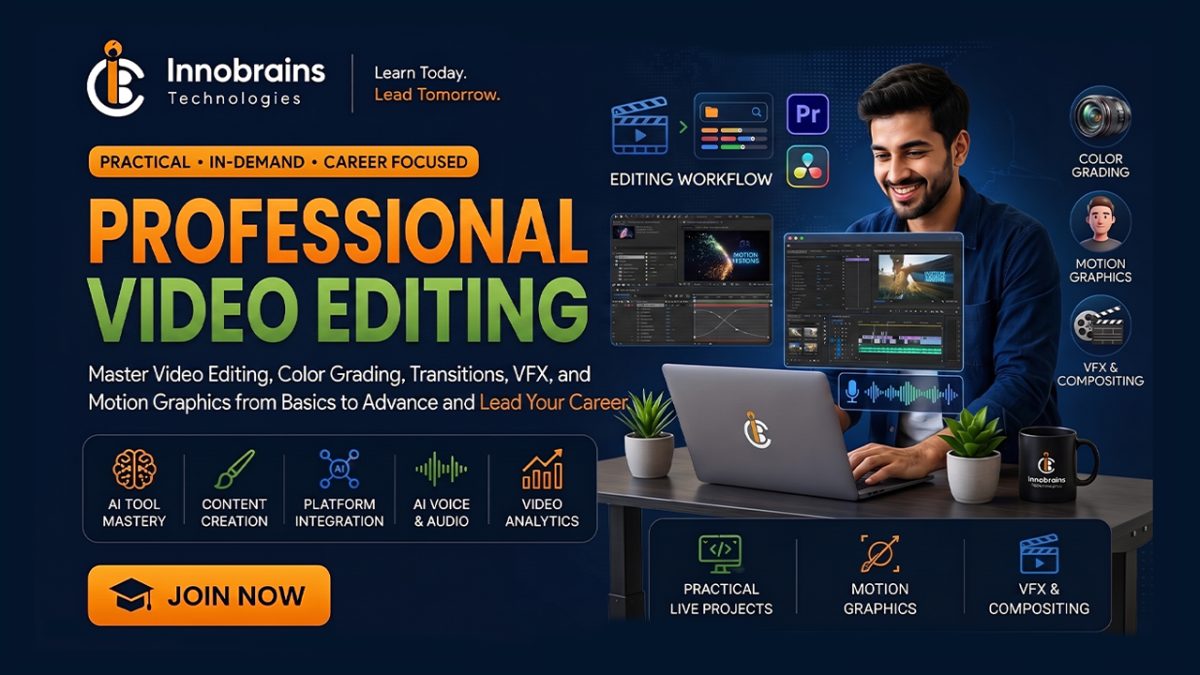
Learn professional video editing with Adobe Premiere Pro and After Effects in this intensive 45-day practical course. This course is designed for beginners who want to become professional video editors.
Students will learn complete video editing workflow including video cutting, audio editing, color correction, transitions, visual effects, motion graphics, text animations, and professional export settings.
By the end of this course, students will be able to create professional YouTube videos, social media reels, advertisements, corporate videos, cinematic edits, and motion graphics projects.
This course includes hands-on projects and practical assignments to build real-world editing skills.
What the course covers
The course runs over 7 weeks and is built around 5 modules and 25 lessons, starting with Getting Started with Video Editing and working through to Professional Video Production. Along the way you cover Adobe Premiere Pro Fundamentals, Advanced Premiere Pro Editing and Adobe After Effects Motion Graphics. Each module builds on the one before it, and you practise as you go rather than sitting through theory and hoping it sticks.
Who this course is for
This is a beginner course, so nobody is expected to arrive knowing the subject. What you need to start: basic computer knowledge, Laptop/Desktop with editing capability and passion to learn creative video editing. Students on this course are usually a mix — school and college students, people already working who want a second skill, and a few who are starting over in something new. If you are not sure whether it suits you, call us and tell us what you already know. We would rather put you on the right course than fill a seat.
What you can do afterwards
By the end of the course you will be able to learn professional video editing workflow, master Adobe Premiere Pro tools and techniques, create animations and motion graphics using After Effects, edit YouTube videos, reels, advertisements, and cinematic content, perform color correction and professional video enhancement, create portfolio-ready editing projects and understand freelancing opportunities in video editing. You work with Adobe Premiere Pro, Adobe After Effects and Adobe Media Encoder throughout, so the tools on your CV are ones you have actually used.
How classes run
Classes run on campus at our academy in Athara Hazari, Jhang. The course is about 10 hours of instructor-led class time in total, with timings set so that students who are studying or working can make them. Batches are kept to 30 students, so the instructor can actually look at your work rather than lecturing at a room. Expect to put in your own practice time at home as well — the students who get the most out of this are the ones who do.
Fee and certificate
The fee is Rs. 10,000, reduced from Rs. 12,000, covering the full 7-week programme and all course material. Instalment plans are available — ask when you apply and we will set out the schedule in writing before you pay anything. On finishing you receive a certificate carrying a unique ID and a QR code, which any employer or client can check on our website. It confirms your name, the course and the date, so it is worth something beyond the paper it is printed on.