MediPOS
Pharmacy POS — offline or cloud
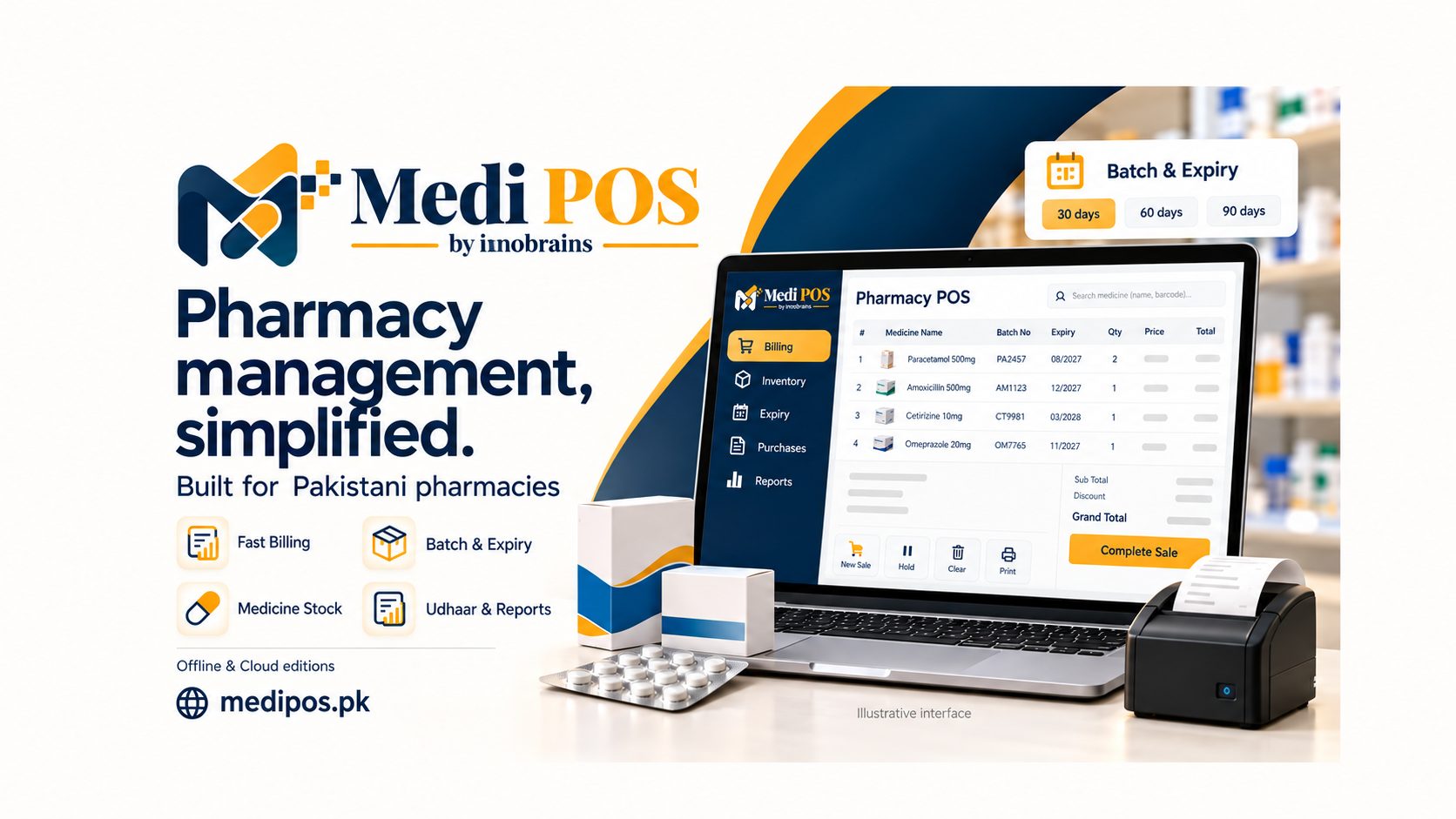
Pharmacy billing, stock and accounts for Pakistan: a cloud edition billed yearly or monthly, or a one-time lifetime licence that runs offline on your own shop computers.

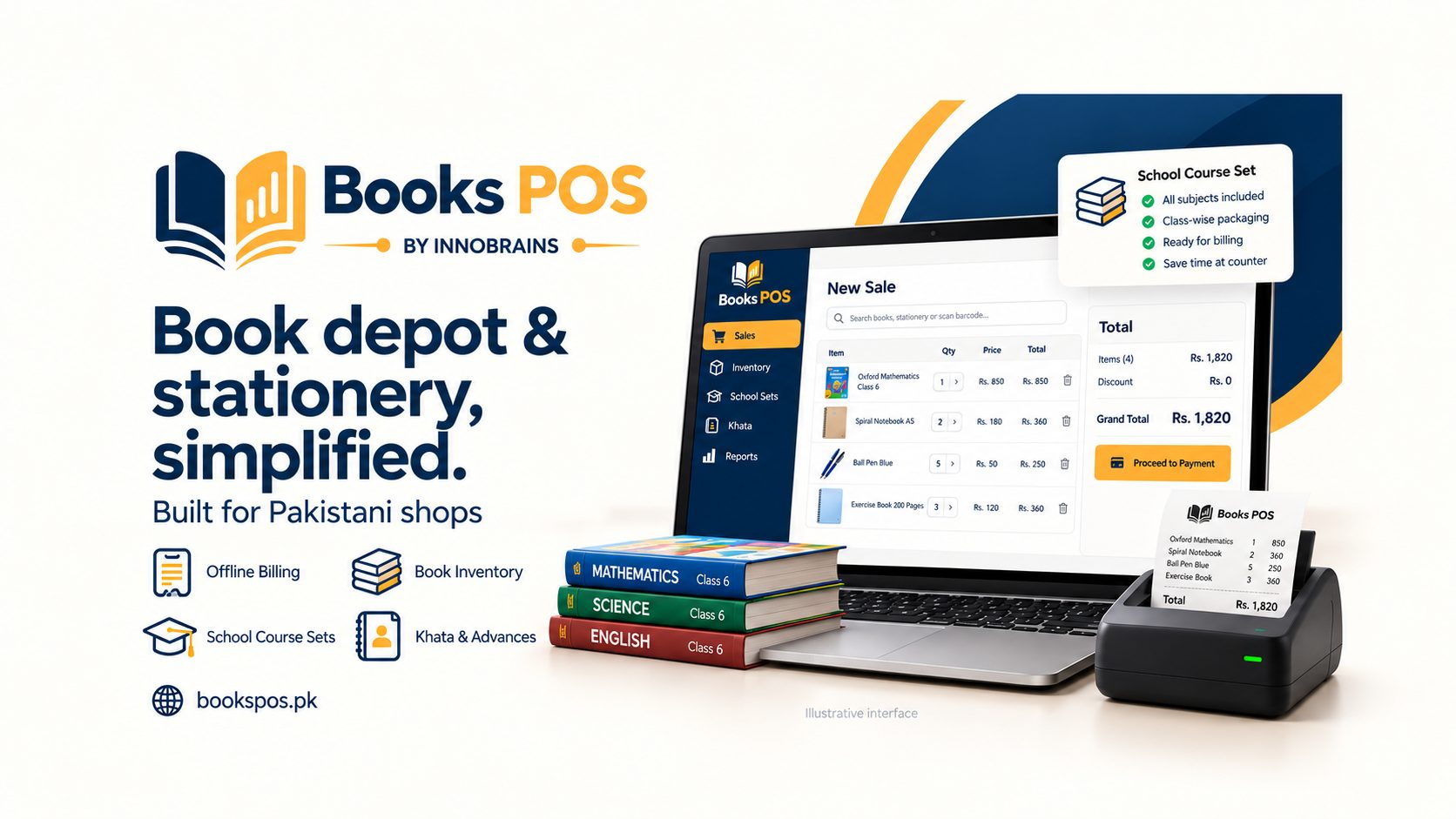
BooksPOS is Windows point-of-sale and stock software for book depots, stationers and school uniform shops in Pakistan. It runs on the shop's own PC and keeps billing when the internet does not, because a queue at the counter in school season cannot wait for a connection.
A general shop POS does not know that two editions of a reader are different stock, that a parent's advance is not a sale, or that a box of markers holds 10 while a box of pencils holds 12. That is the whole argument for BooksPOS, and each of those is handled properly. The 2025 and 2026 editions of the same title are separate items with separate stock. Pack sizes are set per item, so selling 2 boxes and 3 pieces from 10 boxes of 12 leaves exactly 93 pieces. An ISBN is optional, and when you give one its check digit is verified on every save and import — a wrong one is refused rather than corrected, because BooksPOS never invents an ISBN.
School season is what it was built for. Course sets are versioned class lists per school, session and section, with each item marked compulsory, optional or consumable and alternatives grouped so a parent can choose. At the till, School set (F6) puts the whole set on the bill and orders whatever is not in stock. Uniform sizes are typed once and every size is created together, with one price filling them all; the till then asks which size, showing price and stock for each. A parent's advance is held for them and used on later bills, and it is never counted as a sale until goods are handed over.
Behind the counter it keeps real books. Every posting is a balanced journal entry, with a day book, trial balance, profit and loss, and a daily sales report carrying cost of goods sold. Purchase orders, publisher returns as claims at the net price last paid, consignment stock that stays the publisher's until sold, godown and shop-floor stock, and khata with credit limits and statements are all in the same system.
It is a Windows program rather than a browser page pretending to be one: a .NET desktop till talking to a store server that owns the branch's database. Measured on a 50,000-item store, a scan becomes a line in 4.6 ms at the 95th percentile and a sale posts in 23 ms.
Several rules are built in rather than left to habit. Only the store PC writes to the shop's database, so two counters can never both sell the last copy. Posted bills and stock movements are never edited — a correction is a new document with its reason — and the owner can close the books through a date, after which nothing can be posted into it and reopening needs a reason. Everyone signs in under their own name and every posting records who made it. The store PC takes an encrypted backup daily and before each database upgrade, and restoring one shows a preview before anything changes.
The shop's PC is the record; the cloud is the owner's window. On the Cloud edition each branch reports every fifteen seconds, and a free Android owner app shows sales, profit, stock by shop floor and godown, khata, bills and trends across up to three branches. It is read-only — it cannot bill, change a price, void a bill or touch stock — and a branch that has not reported for fifteen minutes is marked STALE rather than shown as a quiet day. The Offline edition is a one-time lifetime licence for a single shop whose data never leaves its own PC.
For Tier-1 retailers, FBR POS integration reports each sale as it is billed and prints the FBR invoice number, QR code, NTN, STRN and POS ID on the receipt. Returns go as credit notes against the original invoice, and bills made while FBR is unreachable print as offline invoices and are resent automatically. It stays switched off, with no FBR fields and no fee, until you turn it on.
Detailed pages on the BooksPOS site.
Pharmacy POS — offline or cloud
Pharmacy billing, stock and accounts for Pakistan: a cloud edition billed yearly or monthly, or a one-time lifetime licence that runs offline on your own shop computers.
Agriculture POS Software
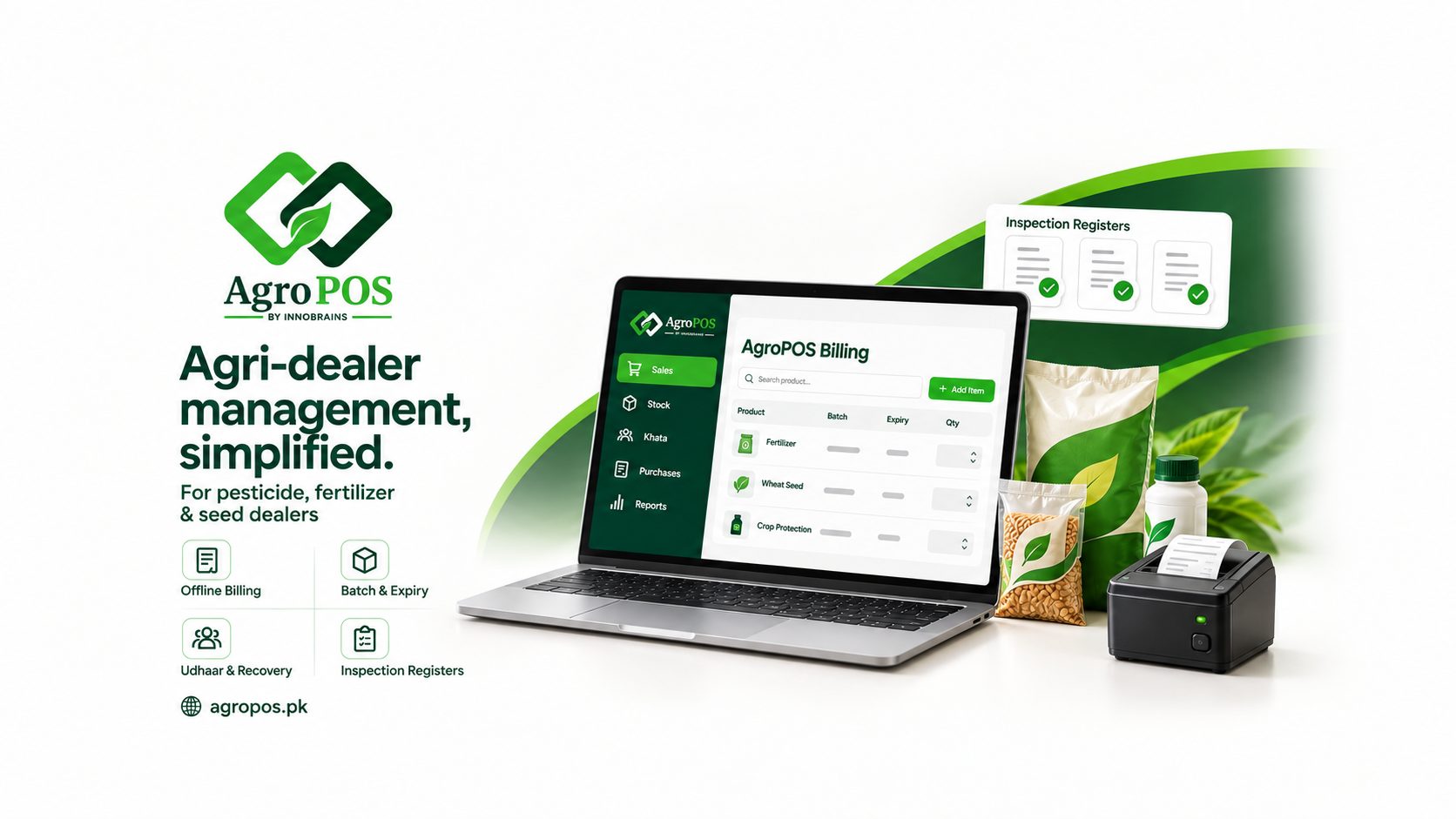
Windows POS and inventory software for pesticide, fertiliser and seed dealers in Pakistan — batch-wise expiry tracking, farmer udhaar khata, Agriculture Department inspection registers and fully offline billing.
Kiryana & general store POS
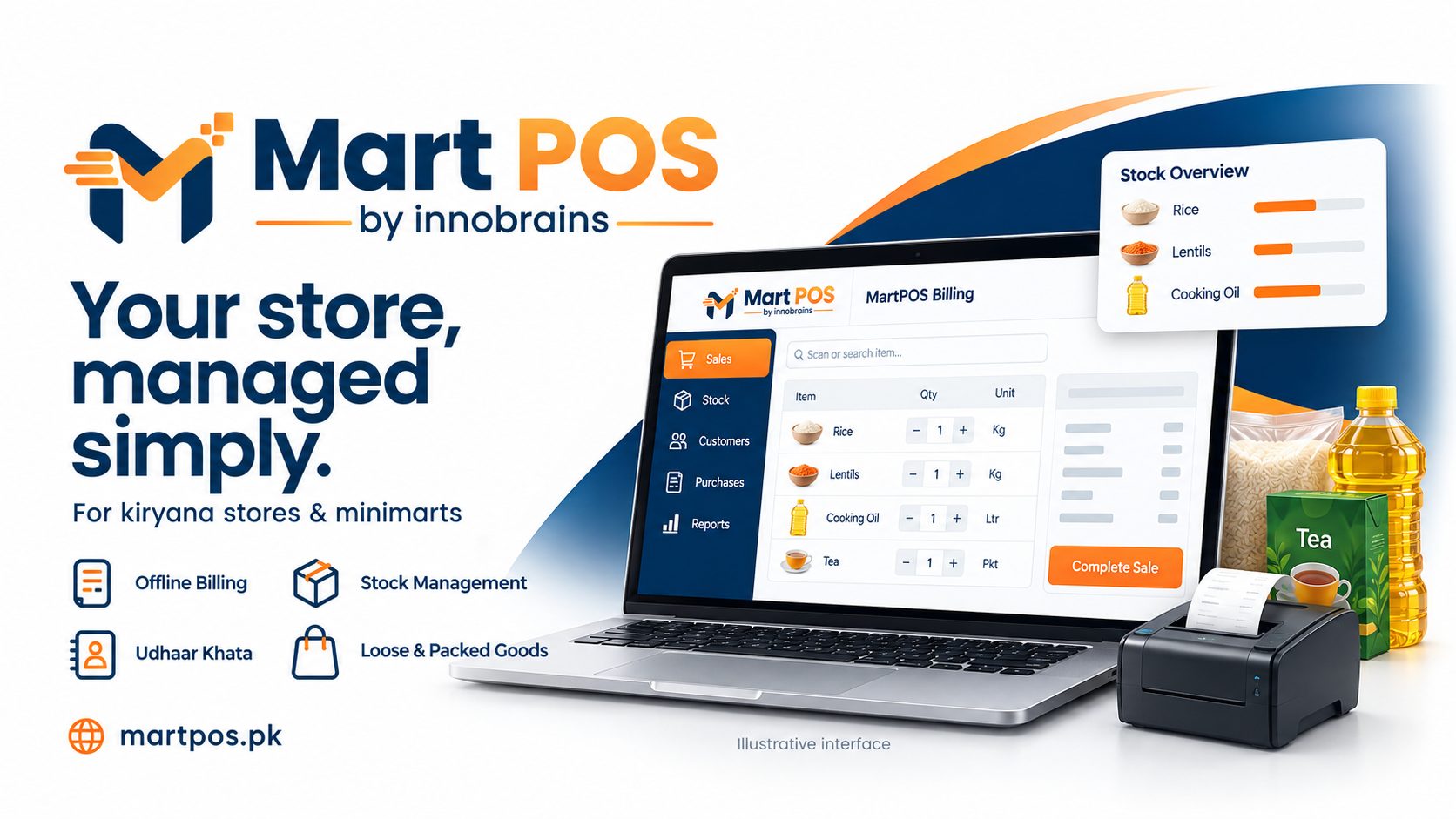
Point of sale for kiryana shops, general stores and mini marts: loose goods by weight or by rupees, retail and wholesale on one till, udhaar khata and books that balance.
It depends which edition you want. The Cloud edition is billed yearly or monthly and adds cloud sync, the owner portal and the owner app: Rs 17,500 a year for one till, Rs 30,000 for up to five tills, and Rs 45,000 for up to three branches with transfers between them (an extra branch is Rs 12,500 a year). Paying yearly saves about 16% against monthly. The Offline edition is a one-time lifetime licence with no yearly fee: Rs 24,999 for one till or Rs 34,999 for up to five. Every plan starts with a 14-day free trial, and there is no setup fee.
Yes. The shop's own Windows PC runs the store server and owns that branch's records, so selling, returns, purchases, khata payments, closing a shift and printing all carry on with no connection. On the Cloud edition changes queue up and go to the cloud in order, each exactly once, when the connection returns. One thing worth knowing: a till on a second PC needs the shop network to reach the store PC, though the till on the store PC itself keeps working regardless.
Each edition or printing is a separate item with its own stock, so the 2025 and 2026 editions of a reader are never confused at the till or in a stock count. An ISBN is optional; when you enter one its check digit is verified on every save and import, and a wrong one is refused rather than corrected — BooksPOS never invents an ISBN. Labels print the ISBN-13 as EAN-13, or Code 128 for an item with only an internal code.
Yes, and neither needs a separate item per variant. Pack sizes are set per item, so a box of markers holding 10 and a box of pencils holding 12 both work: sell 2 boxes and 3 pieces out of 10 boxes of 12 and exactly 93 pieces remain. Uniform sizes are typed once and every size is created together with one price filling them all; the till then asks which size, showing price and stock for each, and size barcodes can be printed.
That is what it was built for. A course set is a versioned class list per school, session and section, with each item marked compulsory, optional or consumable and alternatives grouped so a parent can choose. At the till you press F6, tick what the parent is taking, and the whole set goes on the bill with its set discount — anything out of stock is ordered at the same time and handed over later against the advance.
An advance is held against that parent's name and used on later bills, and it is not counted as a sale until goods are actually handed over — which is the distinction a general shop POS gets wrong, and the reason a depot's books stop balancing in school season. Advances are refundable, and what is still owed to a parent shows in the reports.
Yes, for Tier-1 retailers. Each sale goes to FBR right after it is saved, through their online API or the Fiscal Component, and the receipt carries the FBR invoice number, QR code, your NTN, STRN and POS ID. Returns are reported as credit notes against the original invoice, and bills made while FBR is unreachable print as offline invoices and are resent automatically. It stays switched off — no FBR fields, no fee — until you turn it on in Settings, so a shop that is not Tier-1 sees none of it.
Several rules are built in rather than left to habit. Only the store PC writes to the shop's database, so two counters can never both sell the last copy. Posted bills and stock movements are never edited: a correction is a new document carrying its reason. Everyone signs in under their own name and every posting records who made it, with manager approvals recorded under both names. The owner can close the books through a date, after which nothing can be posted into it and reopening needs a reason.
On the Cloud edition, yes. There is a free Android owner app (Android 7.0 or later) showing today's sales, bills, profit and returns against yesterday, the last 30 days and this month, plus stock by shop floor and godown, khata and who is past their limit, purchases and expenses, individual bills with cost and profit, and trends. It is read-only — it cannot bill, change prices, void bills or touch stock — protected by a two-step code and a fingerprint or PIN lock, and a lost phone can be signed out from the owner portal. A branch that has not reported for fifteen minutes shows as STALE rather than as a quiet day. There is no iPhone app yet, and the Offline edition has no portal or app.
The store PC takes an encrypted backup every day, and again before any database upgrade. Restoring one is done on screen, on the same PC or a replacement, with a preview before anything changes. On the Cloud edition each branch also reports to the cloud every fifteen seconds, so the owner portal holds what was last sent.
Yes — 14 days, with no card required. Create your account, download the Windows installer and pair the store PC; we check each new business first, so the trial starts once it is approved. When it ends nothing is deleted. Items, customers and suppliers import from an Excel workbook or a CSV file, with a preview and row-numbered errors before anything is saved, and it has been tested with fifty thousand rows — so you can try it on your own catalogue rather than a demo one.
Yes, and there is no setup fee. We help you install it, bring in your item list, customers and opening balances, and train whoever stands at the counter. After that you can reach us on WhatsApp or the phone, from our own team in Jhang — Monday to Saturday, 10:00 to 19:00. There are also eighty-odd written guides at bookspos.pk/docs covering everything from the first install to closing the books.