Skip to content
Programming Fundamentals Beginner Admissions open

Basic Computer Course

Learn essential computer skills with our Basic Computer Course in 18 Hazari, Jhang. Innobrains Technologies provides practical computer training for beginners including MS Office, internet, typing, and digital skills.

Duration

14 Weeks

Class mode

Hybrid

Weekly

10 hours

Curriculum

55 lessons

Basic Computer Course
Rs. 9,000 Rs. 12,000

Total course fee · installments available

Save 25%
25 of 30 seats available
  • Monday to Friday 2 hours daily
  • Next batch date announced soon
  • Small class sizes
  • Verifiable certificate on completion
  • Instructor support throughout

What you will learn

  • Understand basic computer operations
  • Use MS Office applications confidently
  • Manage files and folders efficiently
  • Perform internet and email tasks
  • Develop essential workplace computer skills

Course overview

Innobrains Technologies offers a practical Basic Computer Course in 18 Hazari, Jhang for students, beginners, job seekers, and anyone who wants to improve their computer skills.

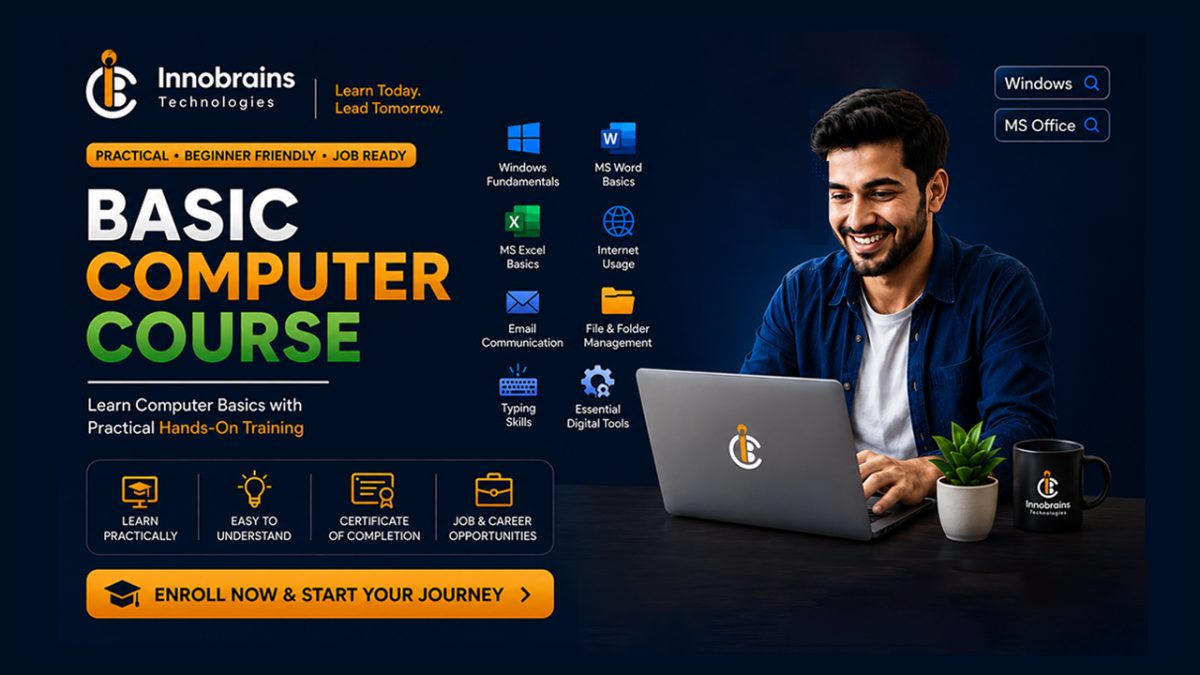
This beginner-friendly course helps you understand the basics of computers, Windows operating system, MS Office applications, internet usage, email communication, typing skills, file management, and essential digital tools.

Our Basic Computer Course Jhang focuses on hands-on learning so students can confidently use computers for education, office work, freelancing, and daily digital tasks.

What the course covers

The course runs over 14 weeks and is built around 12 modules and 55 lessons, starting with Introduction to Computers and working through to Final Assessment & Certification. Along the way you cover Computer Hardware & Software, Windows Operating System, Microsoft Word Basics, Microsoft Excel Basics and Microsoft PowerPoint Basics. Each module builds on the one before it, and you practise as you go rather than sitting through theory and hoping it sticks.

Who this course is for

This is a beginner course, so nobody is expected to arrive knowing the subject. What you need to start: basic reading and writing skills, no previous computer experience is required. Beginners can join this course, basic understanding of English language is helpful and interest in learning computer skills and digital tools. Students on this course are usually a mix — school and college students, people already working who want a second skill, and a few who are starting over in something new. If you are not sure whether it suits you, call us and tell us what you already know. We would rather put you on the right course than fill a seat.

What you can do afterwards

By the end of the course you will be able to understand basic computer operations, use MS Office applications confidently, manage files and folders efficiently, perform internet and email tasks and develop essential workplace computer skills. You work with Computer Fundamentals, Windows Operating System, MS Word, MS Excel, MS PowerPoint and Internet & Email throughout, so the tools on your CV are ones you have actually used.

How classes run

Classes run at our academy in Athara Hazari, Jhang, and can also be attended online — students from Shorkot, Ahmadpur Sial and the surrounding villages join this way. You attend about 10 hours a week, with timings set so that students who are studying or working can make them. Batches are kept to 30 students, so the instructor can actually look at your work rather than lecturing at a room. Expect to put in your own practice time at home as well — the students who get the most out of this are the ones who do.

Fee and certificate

The fee is Rs. 9,000, reduced from Rs. 12,000, covering the full 14-week programme and all course material. Instalment plans are available — ask when you apply and we will set out the schedule in writing before you pay anything. On finishing you receive a certificate carrying a unique ID and a QR code, which any employer or client can check on our website. It confirms your name, the course and the date, so it is worth something beyond the paper it is printed on.
Curriculum

12 modules · 55 lessons · 55 hours

  • Introduction to Computers 60 min
  • Types of Computers 60 min
  • Computer Hardware Basics 60 min
  • Input and Output Devices 60 min

  • Hardware Components 60 min
  • Software Introduction 60 min
  • Operating Systems 60 min
  • Installing and Removing Software 60 min
  • Computer Maintenance Basics 60 min

  • Windows Desktop Basics 60 min
  • Managing Files and Folders 60 min
  • Windows Settings 60 min
  • Using Accessories 60 min
  • Windows Security Basics 60 min

  • Introduction to MS Word 60 min
  • Text Formatting 60 min
  • Creating Professional Documents 60 min
  • Tables and Page Formatting 60 min
  • Printing and Saving Documents 60 min

  • Introduction to Excel 60 min
  • Data Entry and Formatting 60 min
  • Basic Excel Formulas 60 min
  • Charts and Data Presentation 60 min
  • Practical Excel Projects 60 min

  • Introduction to PowerPoint 60 min
  • Adding Content 60 min
  • Designing Presentations 60 min
  • Animations and Transitions 60 min
  • Creating Professional Slides 60 min

  • Internet Basics 60 min
  • Email Communication 60 min
  • Email Management 60 min
  • Online Safety 60 min
  • Online Services 60 min

  • Keyboard Understanding 60 min
  • English Typing Practice 60 min
  • Urdu Typing Basics 60 min
  • Data Entry Skills 60 min
  • Typing Practice Projects 60 min

  • Digital File Management 60 min
  • Using Cloud Storage 60 min
  • Online Communication Tools 60 min
  • Document Sharing 60 min
  • Workplace Computer Skills 60 min

  • Introduction to Networks 60 min
  • Internet Connection Basics 60 min
  • Sharing Files and Printers 60 min
  • Network Safety 60 min
  • Troubleshooting Network Issues 60 min

  • Creating Professional Documents 60 min
  • Excel Practical Work 60 min
  • PowerPoint Project 60 min
  • Internet Research Project 60 min
  • Complete Office Task Practice 60 min

  • Final Practical Test 60 min

Requirements

  • Basic reading and writing skills.
  • No previous computer experience is required. Beginners can join this course.
  • Basic understanding of English language is helpful.
  • Interest in learning computer skills and digital tools.
  • Students should have regular attendance for practical training.
FAQ

Questions about the Basic Computer Course

The Basic Computer Course is currently Rs. 9,000, reduced from Rs. 12,000. That covers the full 14-week programme, all course material and the certificate at the end. Instalment plans are available — ask us when you apply, and we will set out the schedule in writing before you pay anything.

The course runs for 14 weeks — roughly 3.3 months — at about 10 hours a week, so roughly 140 hours of instructor-led time in total. Classes are scheduled so that students who are studying or working can attend, and you should allow additional time at home for practice.

No. This is a beginner-level course and we start from the basics. What you do need: Basic reading and writing skills. No previous computer experience is required. Beginners can join this course. Basic understanding of English language is helpful. Interest in learning computer skills and digital tools. If you are unsure whether it fits you, call us and describe what you already know — we would rather place you on the right course than fill a seat.

By the end of the course you will be able to: Understand basic computer operations. Use MS Office applications confidently. Manage files and folders efficiently. Perform internet and email tasks. Develop essential workplace computer skills. You will work with Computer Fundamentals, Windows Operating System, MS Word, MS Excel, MS PowerPoint, Internet & Email throughout, on real exercises rather than theory alone.

Yes. On completing the Basic Computer Course you receive an Innobrains Technologies certificate carrying a unique ID and a QR code. Any employer or client can check it on our website at innobrains.pk/verify — it confirms your name, the course and the date, so the certificate is worth something beyond the paper it is printed on.

Classes run at our academy in Athara Hazari, Jhang, and can also be attended online — students from Shorkot, Ahmadpur Sial and further afield join this way. The course content, the instructor and the certificate are the same either way. Tell us which you prefer when you apply.

Keep exploring

Related courses

Beginner 14 Weeks Hybrid

Complete Python Programming Course

Learn Python Programming from beginner to advanced level with Innobrains Technologies. Master Python basics, programming logic, OOP, data handling, automation and real-world projects. Join the best Python Programming Academy in Jhang Pakistan.

Rs. 18,000 Rs. 20,000

Full course fee

Details
Beginner 1 Month Hybrid

AI Video Creation Course

Learn AI Video Creation in Pakistan, Jhang, and 18 Hazari. Create professional AI videos using AI tools, generate images, animations, voiceovers, and cinematic content with practical projects and modern AI workflows.

Rs. 5,000 Rs. 7,000

Full course fee

Details
Beginner 10 Weeks Hybrid

SEO Mastery Course

Master SEO skills with our complete SEO Mastery Course in Pakistan. Learn keyword research, on-page SEO, technical SEO, link building, local SEO, and practical ranking strategies.

Rs. 10,000 Rs. 12,000

Full course fee

Details